Attendance Tracking Built For Your Employee Scheduling
Clock-ins, overtime, and timesheets shouldn't live apart from the schedule that created them. Rostero keeps attendance tied to employee scheduling, so hours worked and hours planned always match up.
Powering seamless employee scheduling for teams of all sizes
Real Accuracy
Clock data ties back to the actual shift, so there's no guessing which hours belong where.
Early Flags
Attendance that breaks the rules gets surfaced automatically, instead of buried in a full report.
Clean Payroll
Accurate time data flows straight into payroll without a manual reconciliation step.
Hours Worked Should Match Hours Planned
A schedule is only useful if what actually happens lines up with it. Rostero's attendance tools connect directly to employee scheduling, so clock-ins, overtime, and exceptions all show up against the shift they belong to.
Clocking In, However Your Team Works
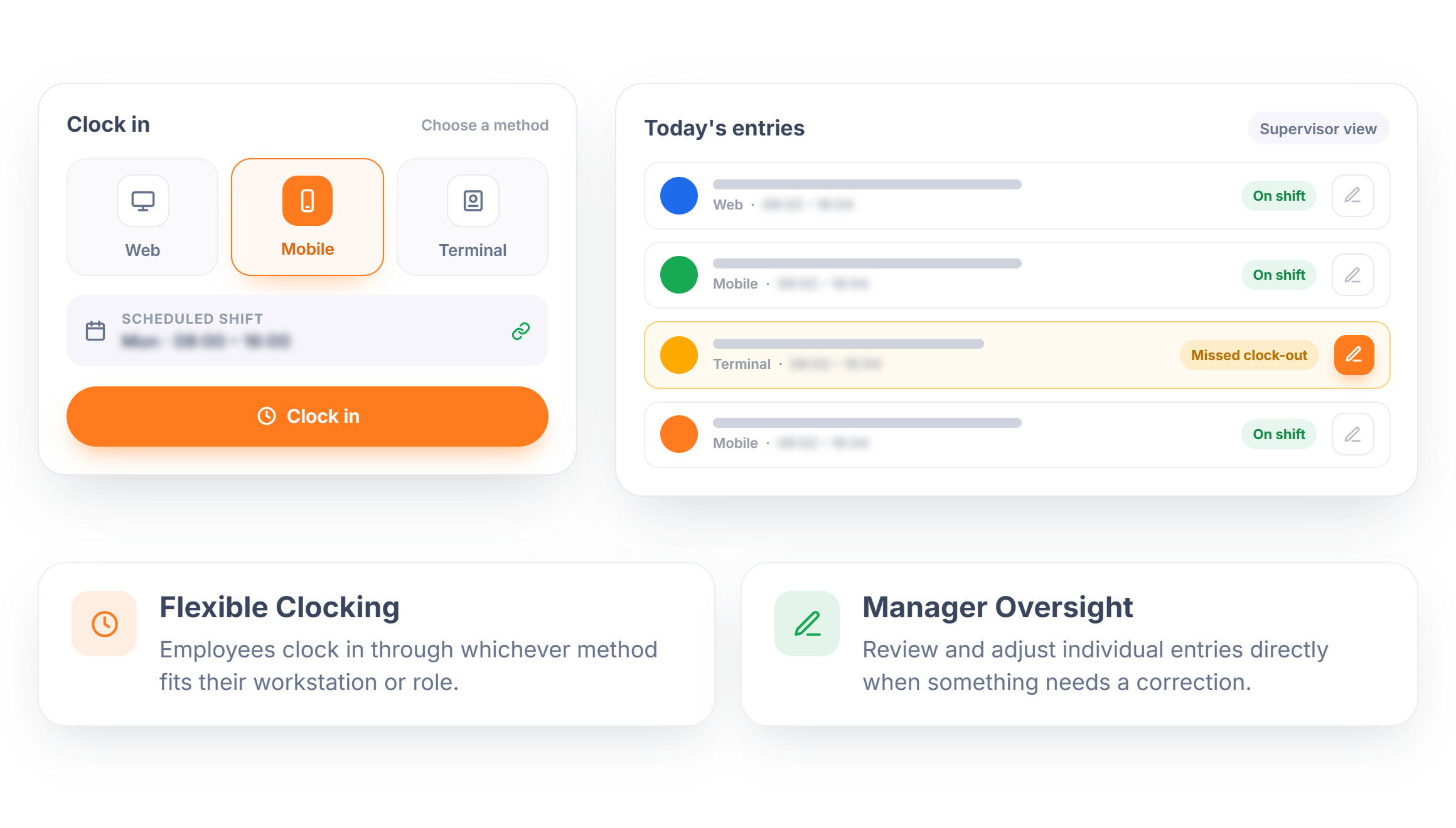
Employees clock in and out through the method that fits their role, web, mobile, or connected hardware, with every entry tied back to their scheduled shift. Supervisors can review and adjust entries directly if something doesn't look right, without a separate correction process.
- Flexible Clocking — Employees clock in through whichever method fits their workstation or role.
- Manager Oversight — Review and adjust individual entries directly when something needs a correction.
Overtime Rules That Enforce Themselves
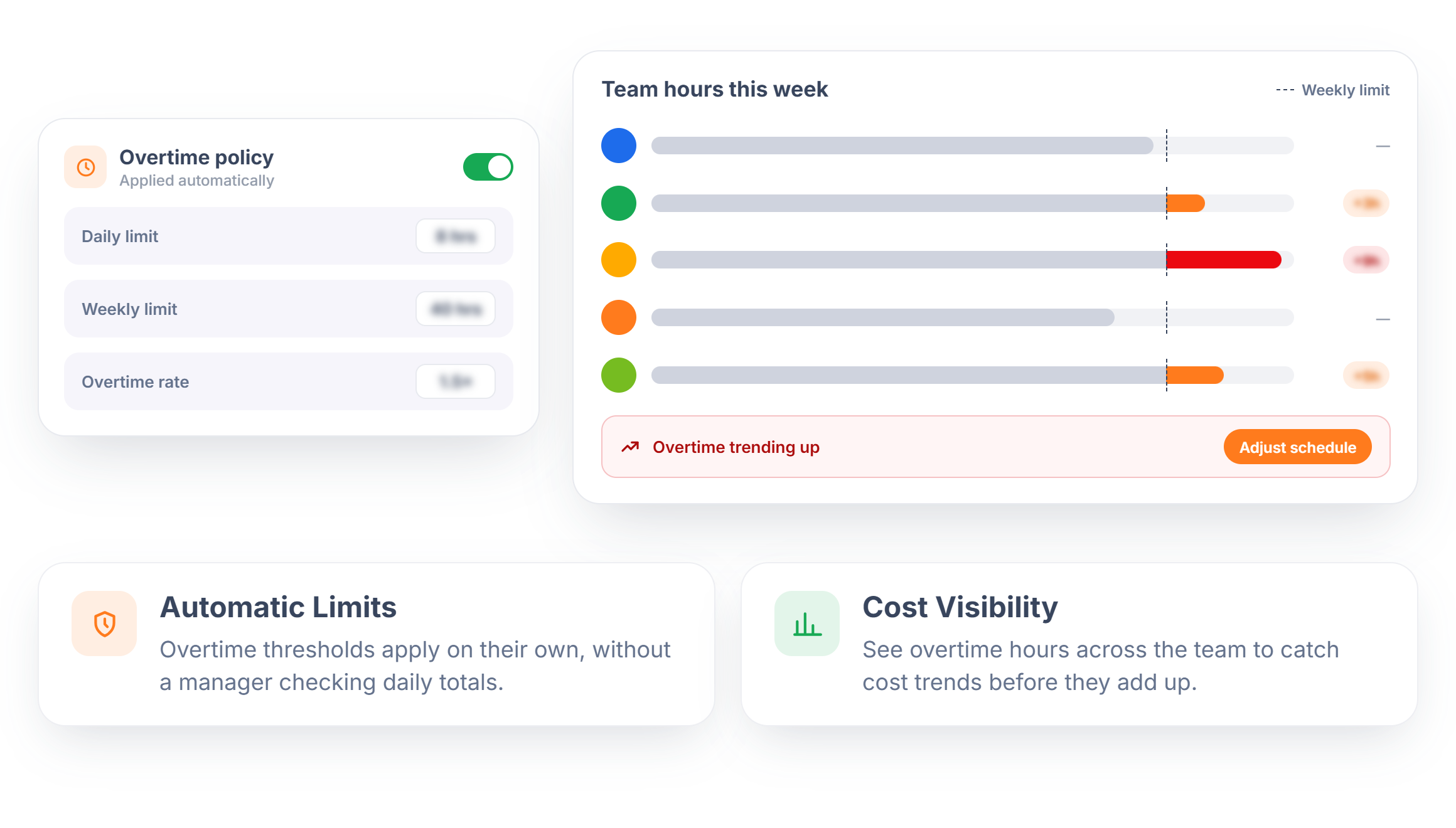
Set pay policies once, daily or weekly overtime limits, specific rate rules, and let the system apply them automatically instead of tracking thresholds by hand. Managers get a clear read on labor costs and can adjust employee scheduling before overtime becomes a pattern.
- Automatic Limits — Overtime thresholds apply on their own, without a manager checking daily totals.
- Cost Visibility — See overtime hours across the team to catch cost trends before they add up.
Timesheets That Reflect the Actual Shift
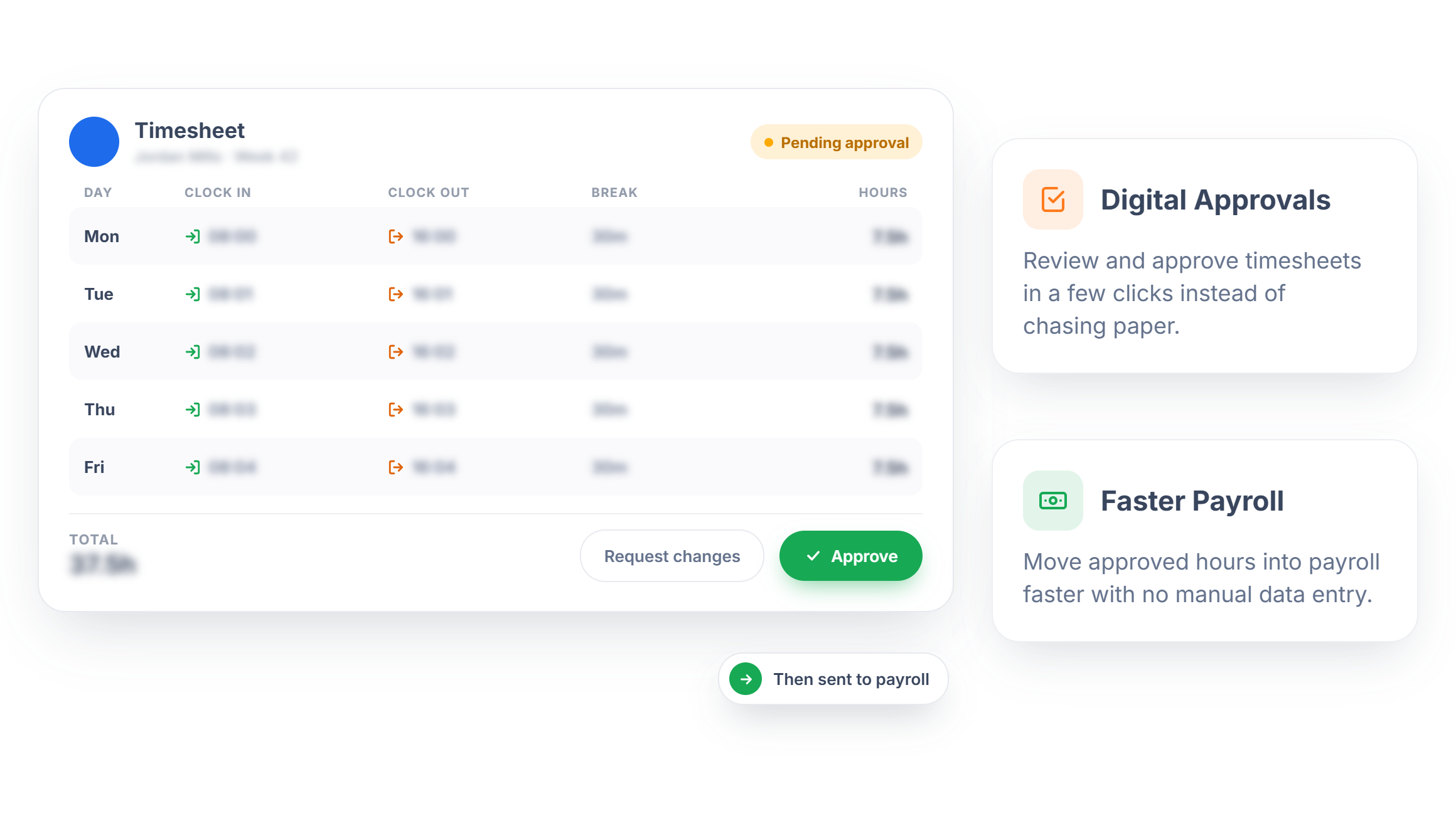
Every clock-in and clock-out feeds into a detailed timesheet, with a digital approval step that replaces paper forms and spreadsheet exports. Managers approve hours in the same place they built the schedule, keeping the whole process in one system.
- Digital Approvals — Review and approve timesheets in a few clicks instead of chasing paper.
- Faster Payroll — Move approved hours into payroll faster with no manual data entry.
Only See the Hours That Need a Decision
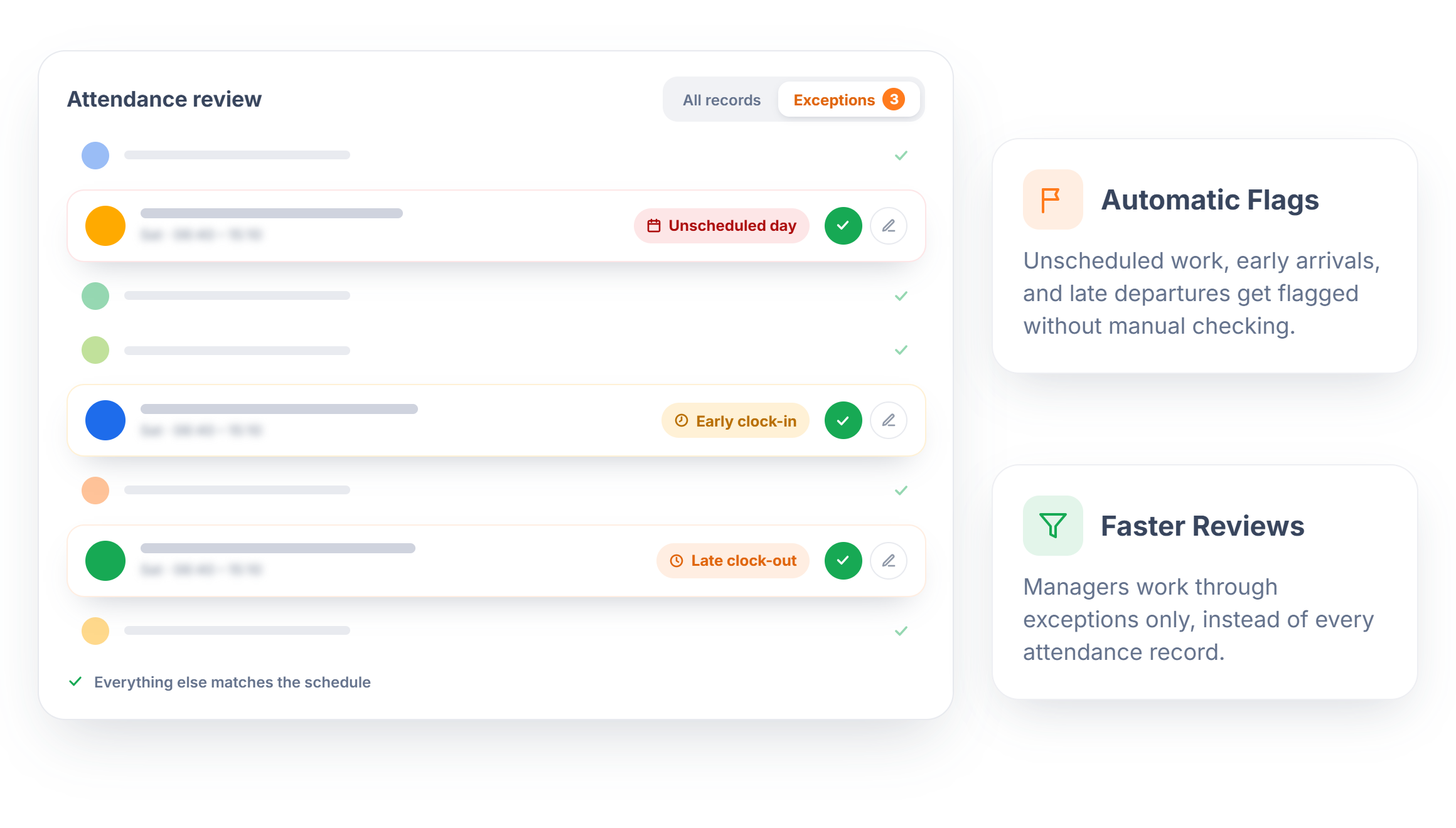
Not every clock-in needs a review, only the ones that break the pattern. Rostero automatically flags entries like work on a non-scheduled day, early clock-ins, or late clock-outs, so managers spend their time on the exceptions instead of scanning every line.
- Automatic Flags — Unscheduled work, early arrivals, and late departures get flagged without manual checking.
- Faster Reviews — Managers work through exceptions only, instead of every attendance record.
Ready to Close the Gap Between Planned and Worked Hours?
Spend less time reconciling timesheets and more time running your team.
Frequently Asked Questions
Every clock-in and clock-out ties back to the scheduled shift it belongs to, so hours worked can be compared directly against what was planned.
Employees can clock in through the web, a mobile app, or connected hardware, depending on what fits their role and worksite.
Yes. Supervisors can review and correct individual time entries directly if something doesn't match the actual shift worked.
Pay policies and overtime limits are set once and applied automatically, so managers don't need to track thresholds manually.
Yes. Entries like unscheduled work, early clock-ins, or late clock-outs are flagged as exceptions so managers can focus on what actually needs review.