Employee Scheduling Software for Manufacturing Facilities
Keep your production lines running with precise shift management. Rostero gives manufacturing managers the control they need to manage complex rotations, reduce downtime, and ensure safety compliance.
Powering seamless employee scheduling for teams of all sizes
Ensure Line Continuity
Prevent production bottlenecks by ensuring every station is staffed with the right skill sets for every shift.
Enterprise Security
Sync your workforce data with high-security software for a unified view of floor attendance.
Scale on Demand
Easily adjust staffing levels based on production quotas and seasonal manufacturing cycles.
Operational Integrity for the Modern Factory
Rostero provides the tools to manage small and large scale teams without compromising on security or line efficiency.
Visual Line Management
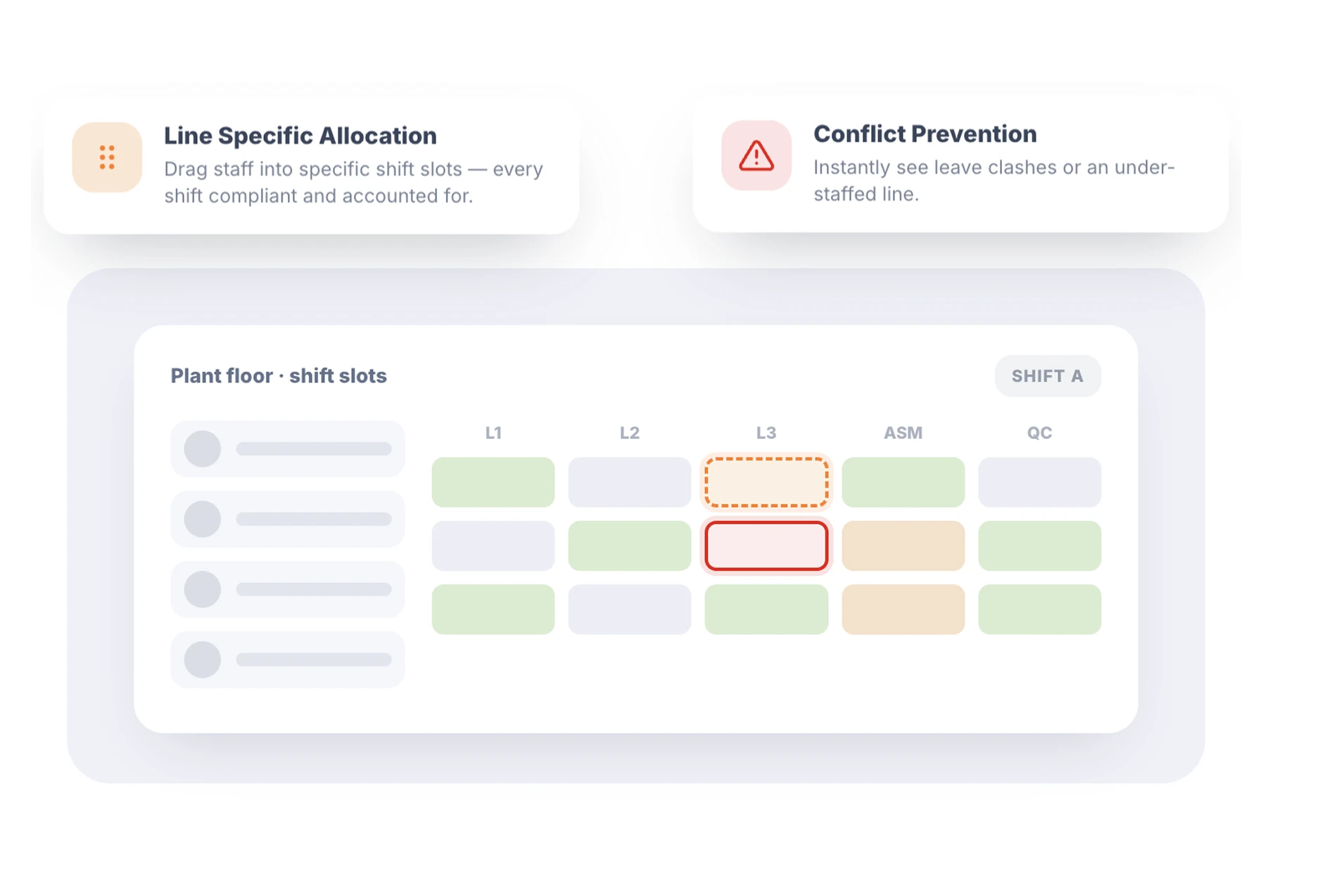
Assign your workforce to specific production lines or machinery in seconds. Rostero’s employee scheduling software allows plant managers to visualize the entire floor at a glance.
- Line Specific Allocation — Drag and drop staff into specific shift slots to ensure every shift is compliant and accounted for.
- Conflict Prevention — Instantly see if a technician is scheduled for leave or if a line is under staffed.
Structural Organization
Modern plants are divided into distinct zones. Use departmental shift groups to organize your roster by Line 1, Assembly, Maintenance, or Quality Control.
- Zonal Clarity — Manage different areas of the facility independently while maintaining a master overview.
- Skill Based Grouping — Ensure that specialized departments always have the required number of certified operators present.
Agile Workforce Flexibility
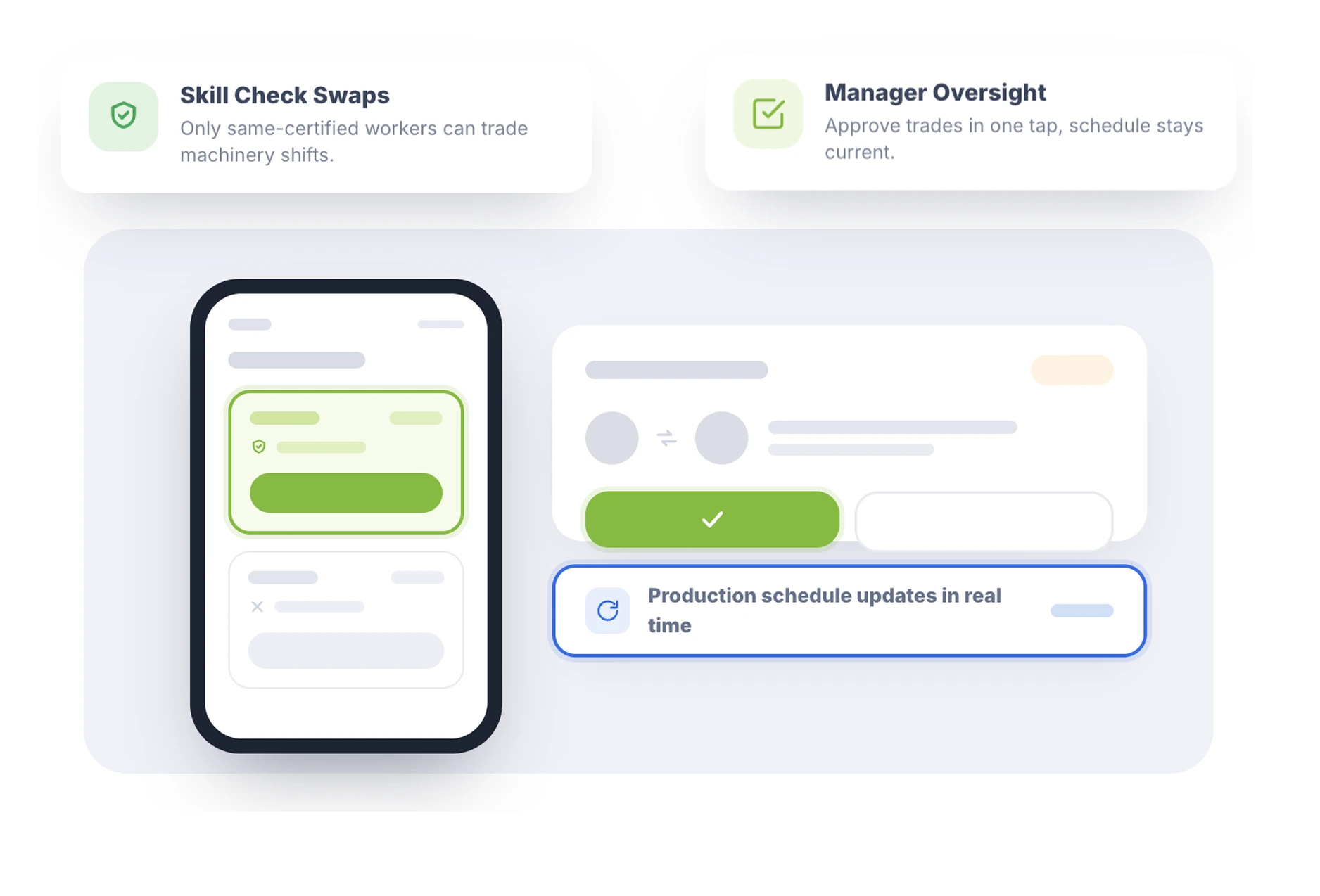
Keep the lines moving even when a worker can't make it. Our employee scheduling allows floor staff to trade shifts, ensuring gaps are filled by qualified colleagues.
- Skill Check Swaps — Ensure only workers with the same certifications can trade shifts for specific machinery.
- Manager Oversight — Approve trades with a single tap while keeping the production schedule up to date in real time.
Strategic Planning Cycles
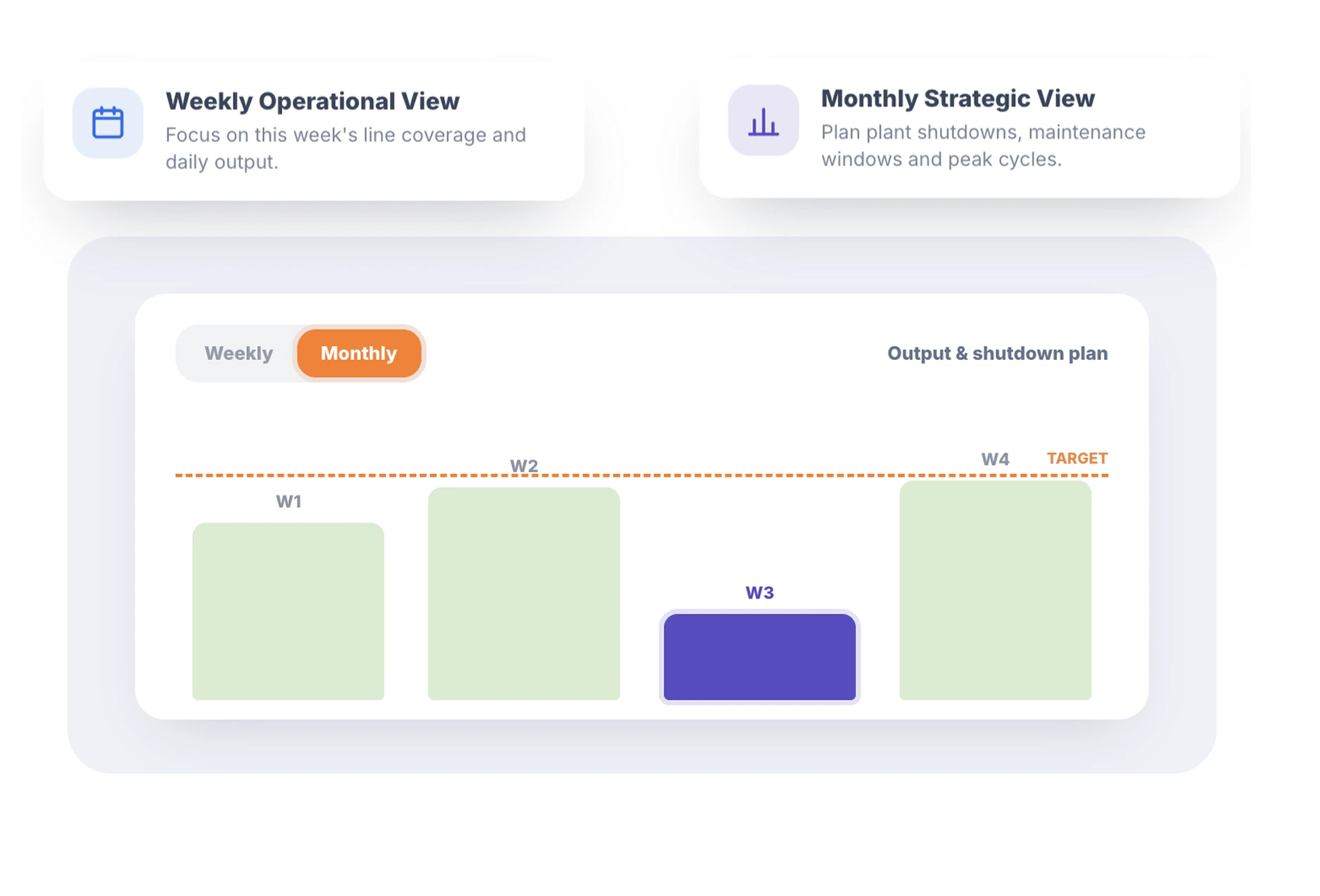
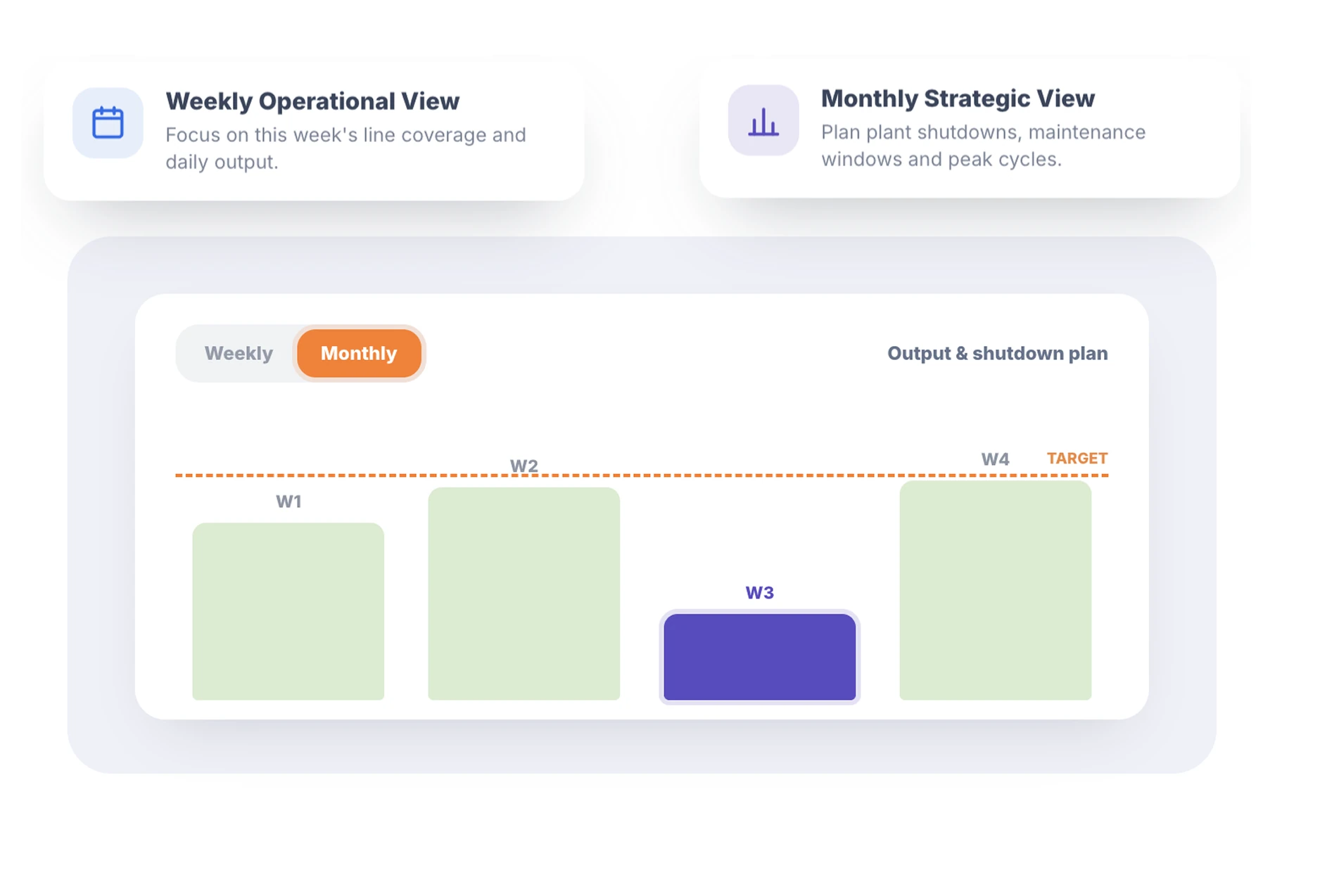
Toggle between immediate operational needs and long-term production goals with flexible view settings.
- Weekly Operational View — Focus on the current week's line coverage and daily output requirements.
- Monthly Strategic View — Plan for upcoming plant shutdowns, maintenance windows, or high-volume production cycles.
24/7 Continuous Operation
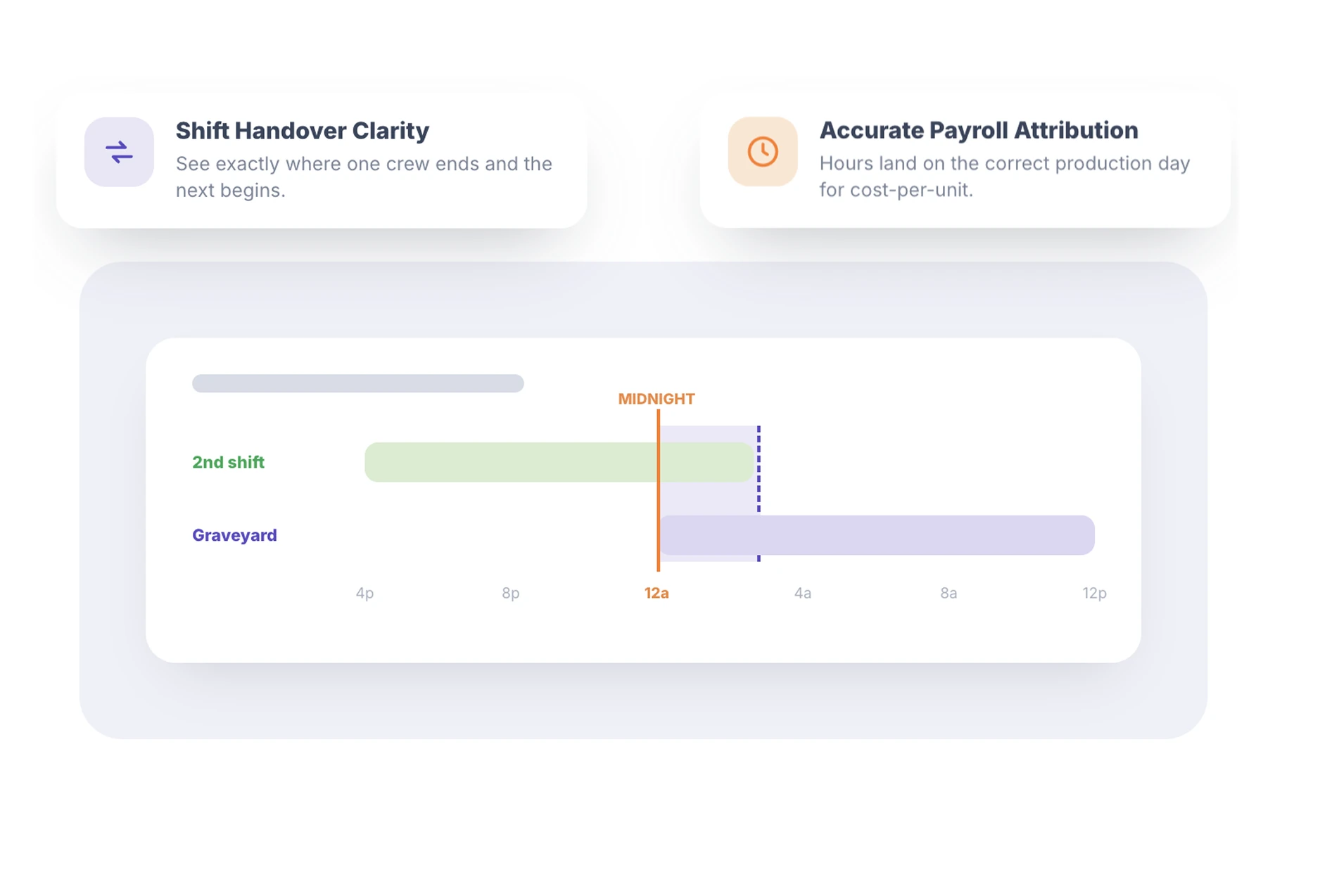
Manufacturing never stops. Rostero handles 1st, 2nd, and 3rd shifts seamlessly, providing accurate data for "Graveyard" rotations that span across midnight.
- Shift Handover Clarity — Visualize exactly where one crew ends and the next begins to ensure zero gaps in production.
- Accurate Payroll Attribution — Automatically attribute hours to the correct production day for accurate cost per unit reporting.
Scheduling for Every Manufacturing Environment
Whether you run a small workshop or a large-scale facility, Rostero adapts to your production model.
Heavy Industry
Manage complex rotations and strict compliance requirements.
Light Manufacturing
Fast, flexible scheduling for product assembly and packaging lines.
Food & Beverage Production
Handle HACCP compliance and multi-shift production runs.
Secure Your Production Future
Implement the best employee scheduling software for your facility today.
Frequently Asked Questions
By using departmental shift groups, you can segment your staff by certification. Managers can see at a glance if a line is staffed by qualified operators during the roster-building process.
Absolutely. Our overnight shift support and flexible builder are designed specifically for 24/7 manufacturing operations, handling complex rotations across all three shifts easily.
Yes. Using the monthly view in our adjustable view perspectives, you can schedule maintenance teams and adjust production staff levels weeks in advance to coincide with planned shutdowns.
The shift swap feature allows workers to find their own replacements. If a gap remains, managers can use the drag-and-drop tool to instantly move a qualified floater into the position.