Employee Management Built to Support Your Employee Scheduling
Every shift starts with a person. Rostero keeps employee records, structure, and communication in one place, so the details behind employee scheduling are always accurate and easy to find.
Powering seamless employee scheduling for teams of all sizes
Accurate Records
Employee details stay current, so scheduling decisions are never based on outdated information.
Clear Structure
Reporting lines and team groupings are visible at a glance, not buried in a spreadsheet.
Faster Coordination
Managers and employees find what they need without routing everything through one person.
The Schedule Is Only as Good as the Data Behind It
Outdated contact info, an unclear reporting line, or a missing certification can turn a five-minute scheduling task into a scramble. Rostero centralizes the details behind employee scheduling, records, structure, and communication.
One Screen for What Matters Today
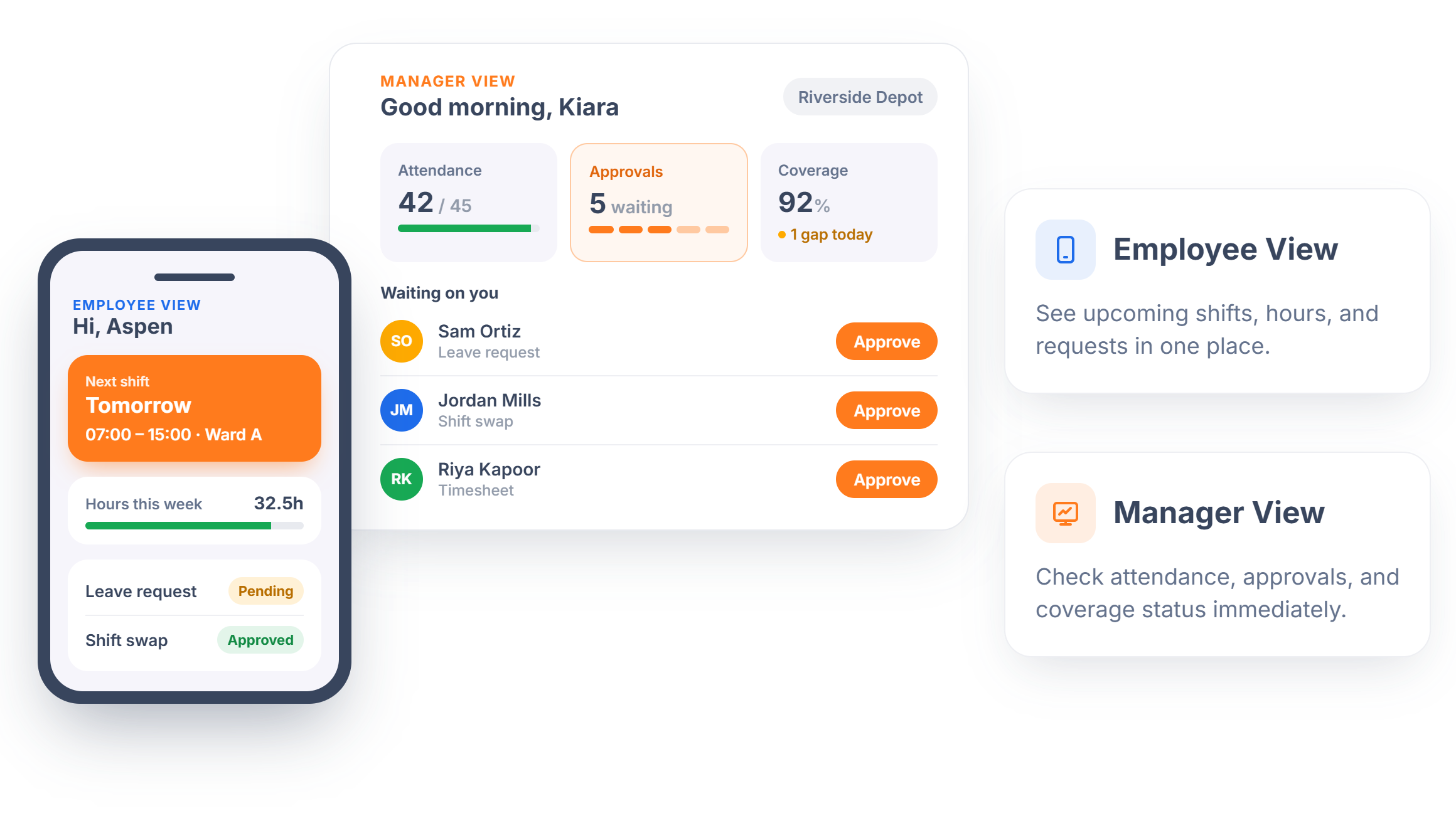
The dashboard gives employees quick access to their schedule, hours, and any pending requests, while managers see team attendance, approvals waiting on them, and coverage status at a glance. It's the starting point for the day instead of a tool buried behind several clicks.
- Employee View — See upcoming shifts, hours, and requests in one place.
- Manager View — Check attendance, approvals, and coverage status immediately.
Every Detail, in One Accurate Place
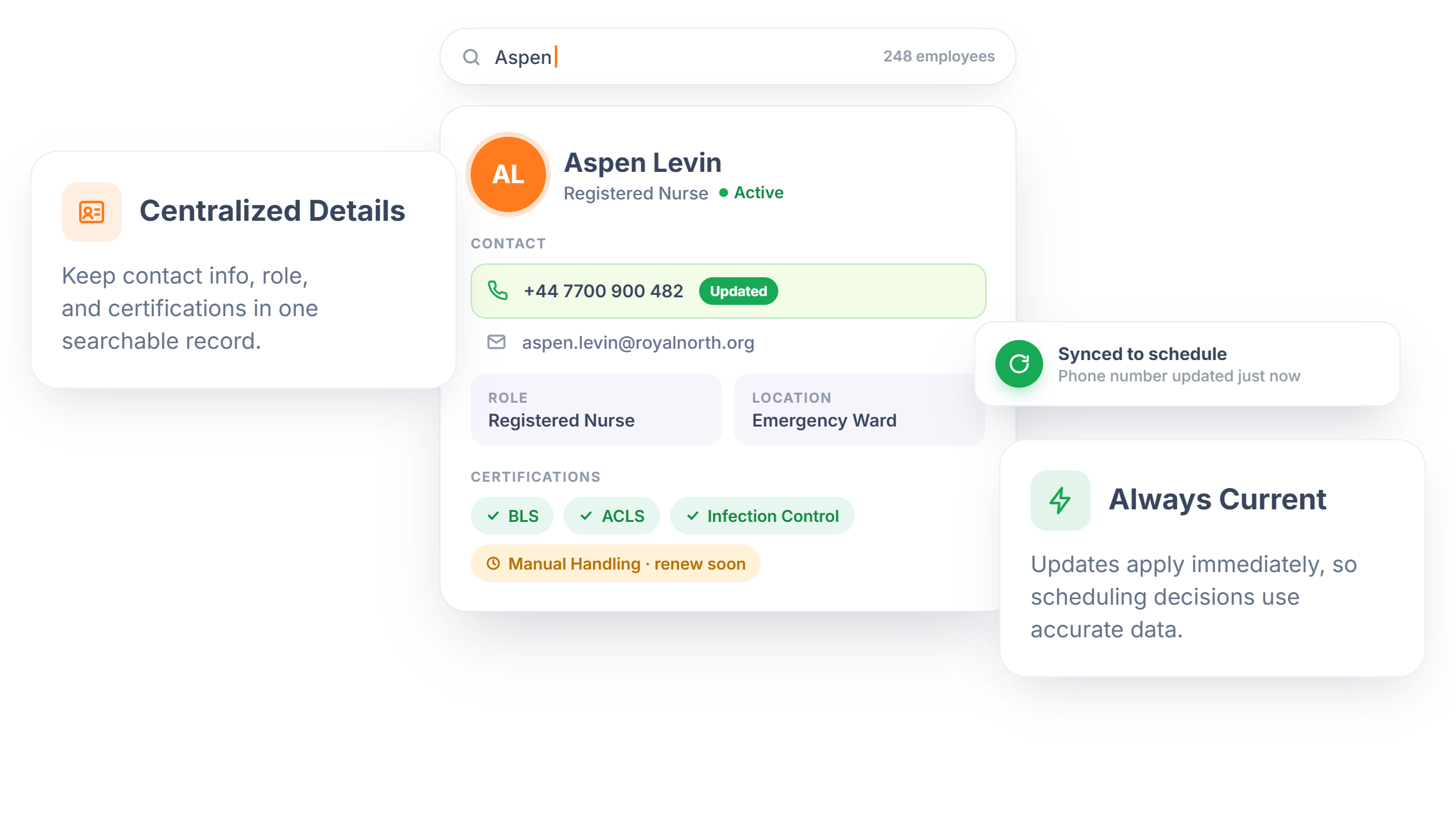
Store the details that actually matter for running a team, contact information, role, location, certifications, in a single record instead of scattered spreadsheets or sticky notes. Updates apply instantly, so the person building next week's schedule is always working from current information.
- Centralized Details — Keep contact info, role, and certifications in one searchable record.
- Always Current — Updates apply immediately, so scheduling decisions use accurate data.
A Baseline Every Schedule Can Build On
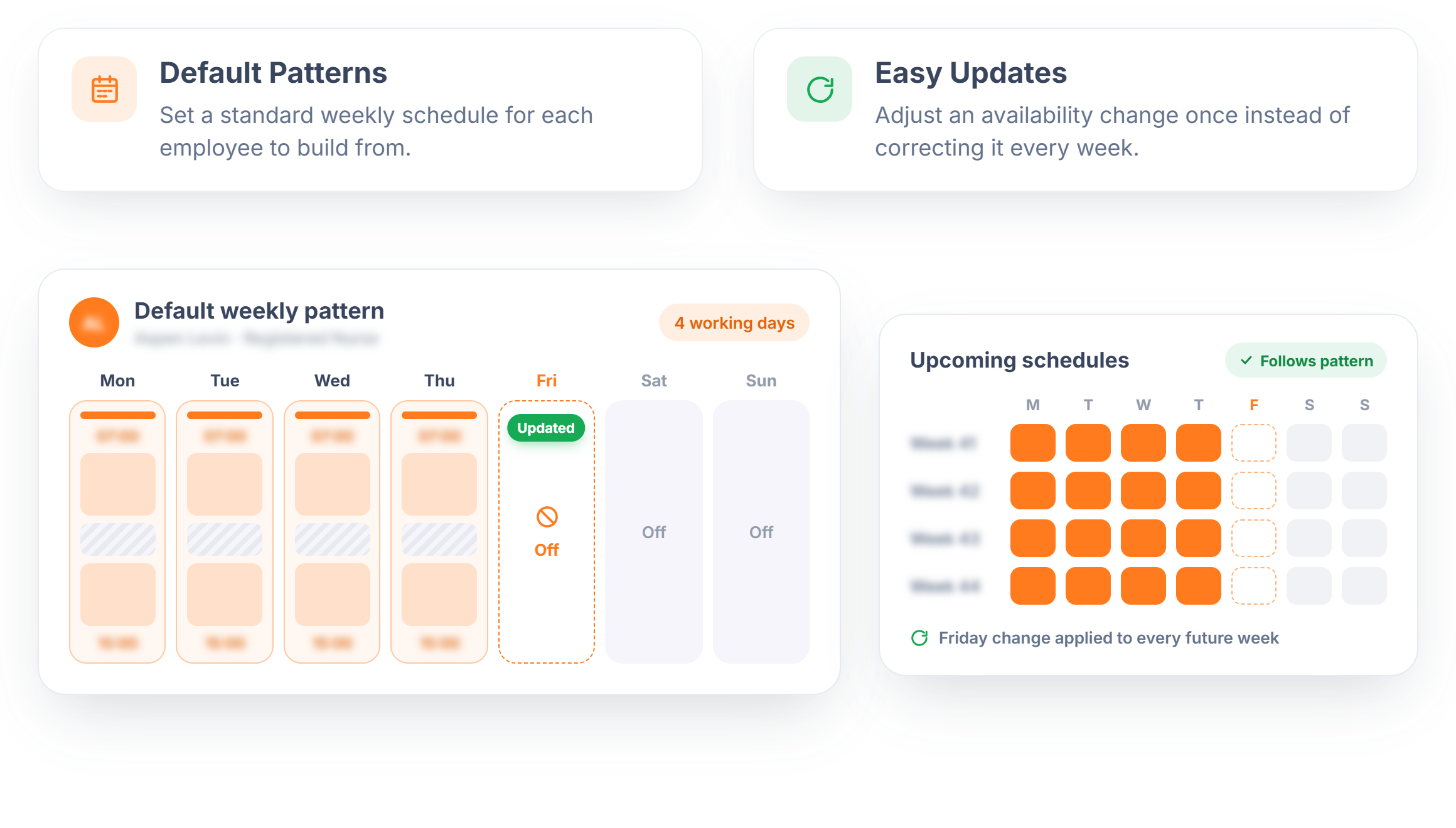
Set each employee's standard working days, shift timing, and break pattern once, so building out a weekly or monthly schedule starts from something real instead of a blank slate. When someone's availability changes, updating their baseline pattern keeps every future schedule aligned.
- Default Patterns — Set a standard weekly schedule for each employee to build from.
- Easy Updates — Adjust an availability change once instead of correcting it every week.
See How the Team Actually Fits Together
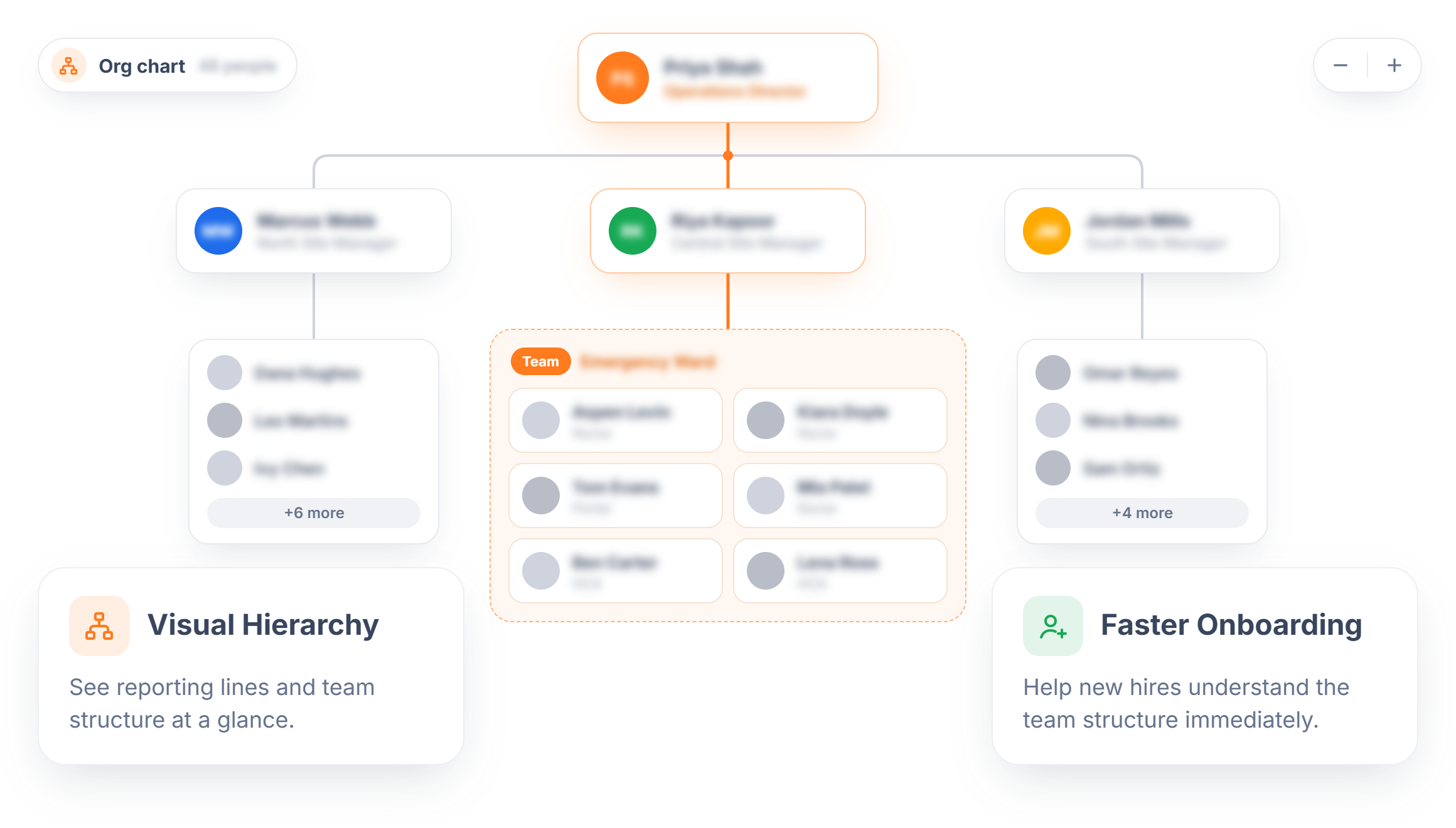
A visual org chart shows reporting lines and team groupings clearly, so anyone can see who supervises whom without asking around. It's especially useful for larger or multi-location teams where the structure isn't obvious from a name list alone.
- Visual Hierarchy — See reporting lines and team structure at a glance.
- Faster Onboarding — Help new hires understand the team structure immediately.
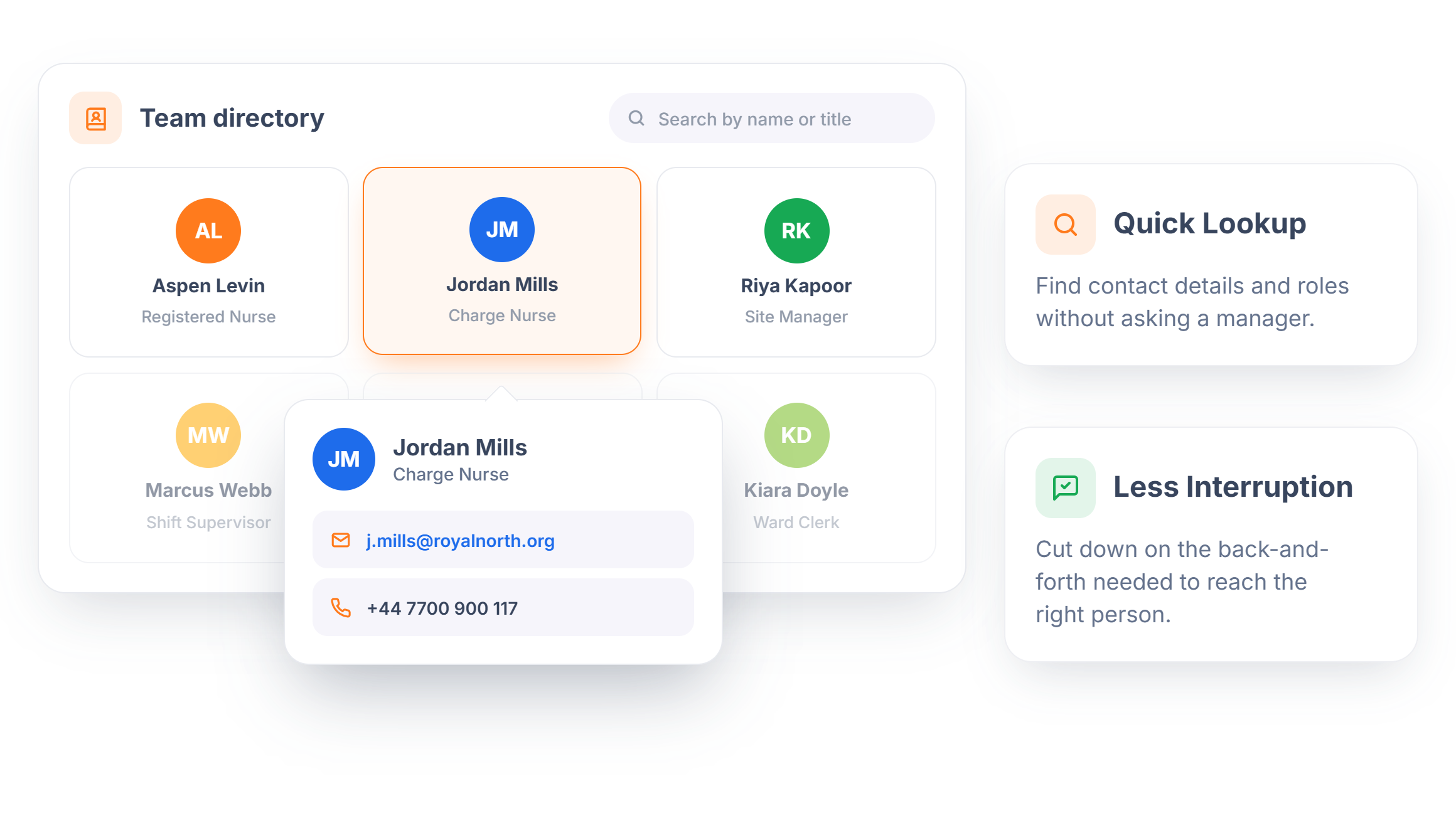
Find Anyone on the Team Directory
A searchable directory puts contact details, roles, and reporting lines within reach, so finding the right person to cover a shift or answer a question doesn't mean asking around. It's a quick lookup instead of an interruption to someone else's day.
- Quick Lookup — Find contact details and roles without asking a manager.
- Less Interruption — Cut down on the back-and-forth needed to reach the right person.
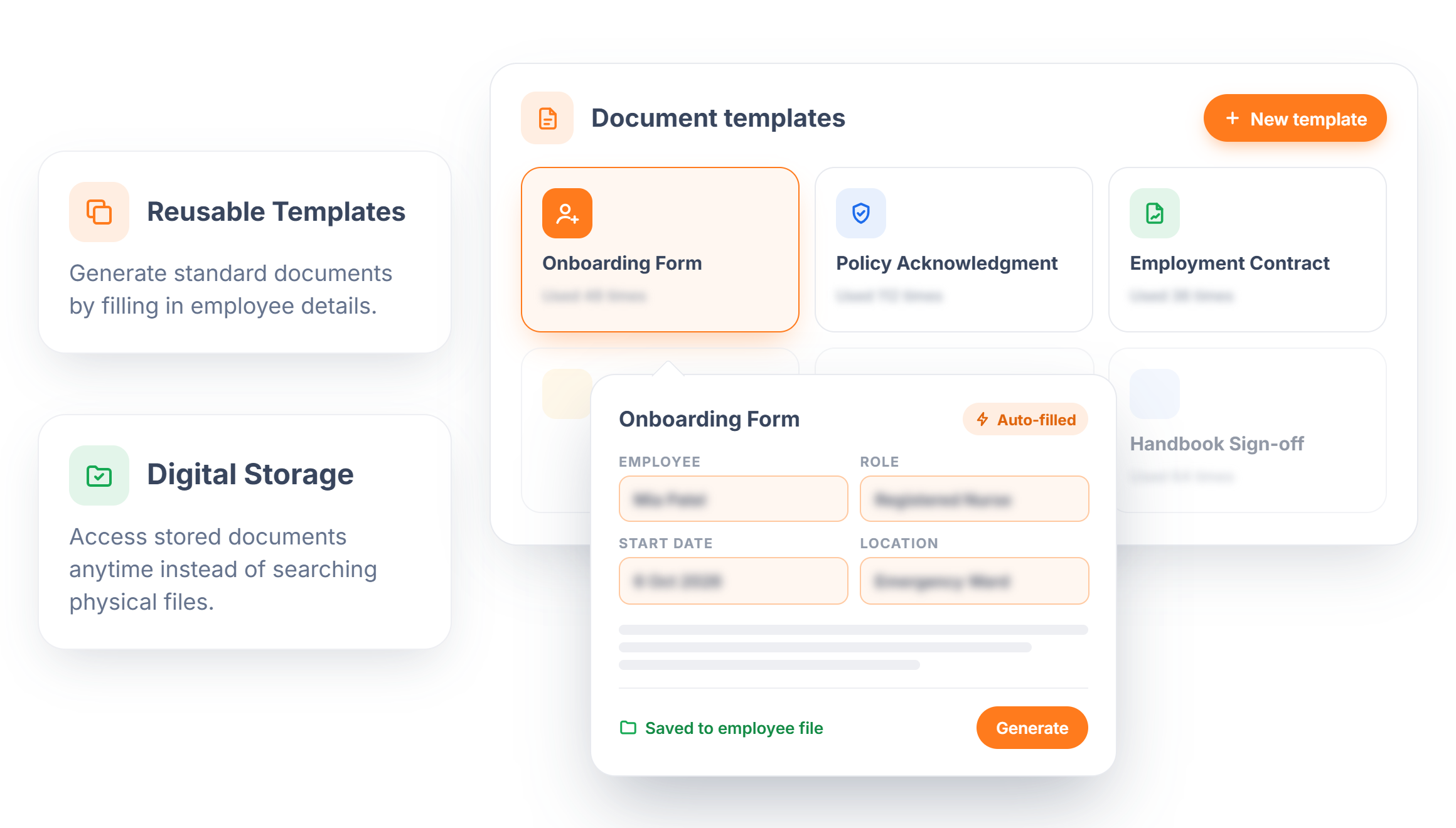
Standard Document Templates
Store and manage onboarding forms, policy acknowledgments, and other standard documents digitally, with templates that fill in employee-specific details automatically. No more digging through a filing cabinet or recreating the same form from scratch.
- Reusable Templates — Generate standard documents by filling in employee details.
- Digital Storage — Access stored documents anytime instead of searching physical files.
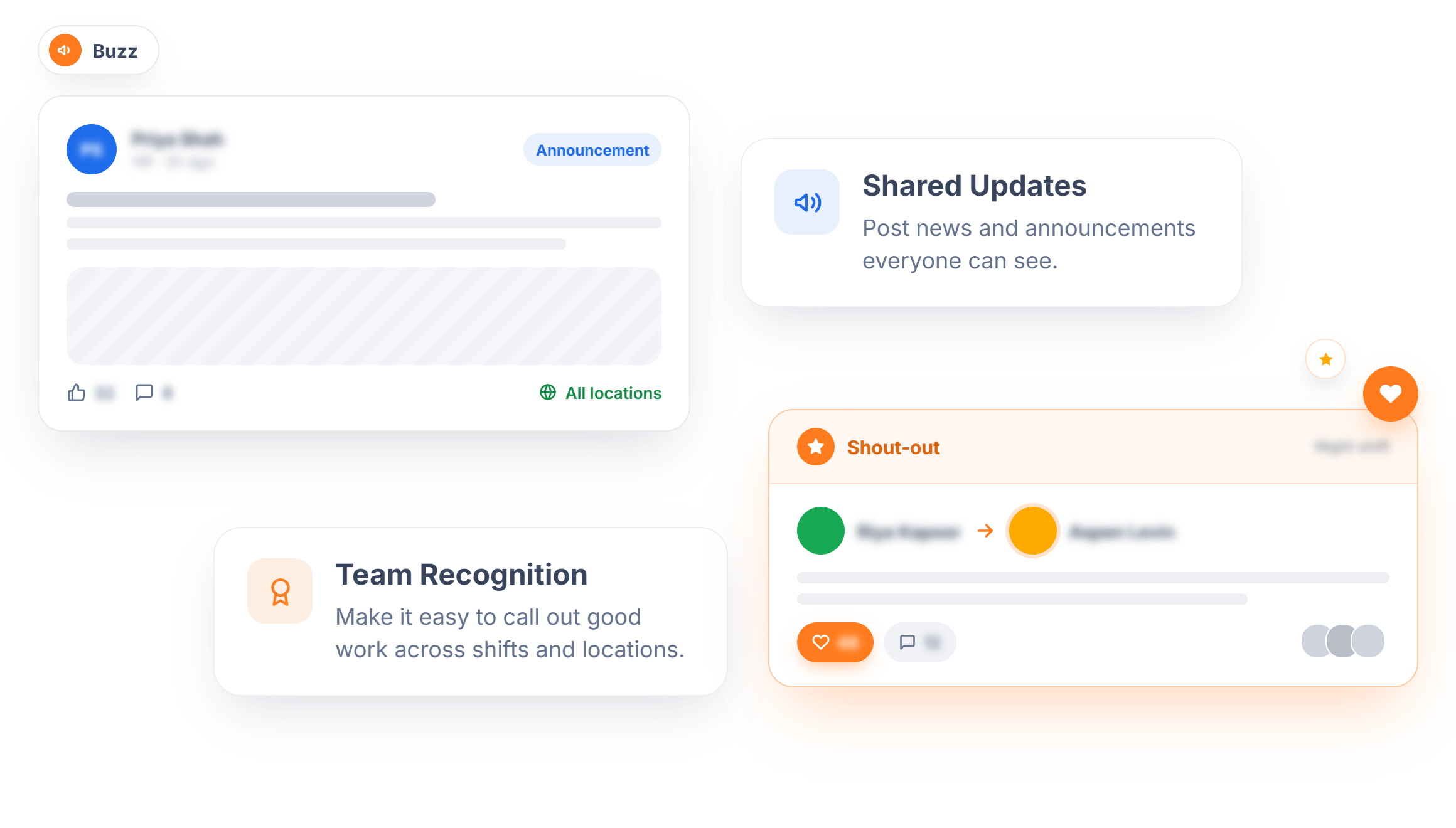
Company Updates on the Buzz
A shared space for company updates and shout-outs keeps employees connected across shifts and locations, without relying on a group chat or word of mouth to spread the word. It's a simple way to recognize good work and keep everyone informed.
- Shared Updates — Post news and announcements everyone can see.
- Team Recognition — Make it easy to call out good work across shifts and locations.
Ready to Get Your Employee Data in Order?
Keep records accurate and your team connected, without extra admin work.
Frequently Asked Questions
Employee records, roles, and availability feed directly into scheduling, so shift decisions are always based on current information.
Contact details, role, location, and certifications can all be stored in one searchable, centralized record.
A work pattern is an employee's standard weekly baseline. The schedule builds specific shifts from that baseline, adjusting for actual demand.
Yes. A visual org chart shows reporting lines and team groupings, which is especially useful for multi-location teams.
Yes. A searchable directory lets anyone find contact details and roles without going through a manager.